
Prompting & Systems
How I Prompt Codex to Work Safely Inside a Production Codebase
The prompting structure I use to help Codex understand an existing project, preserve working code, make focused changes and verify everything before completion.
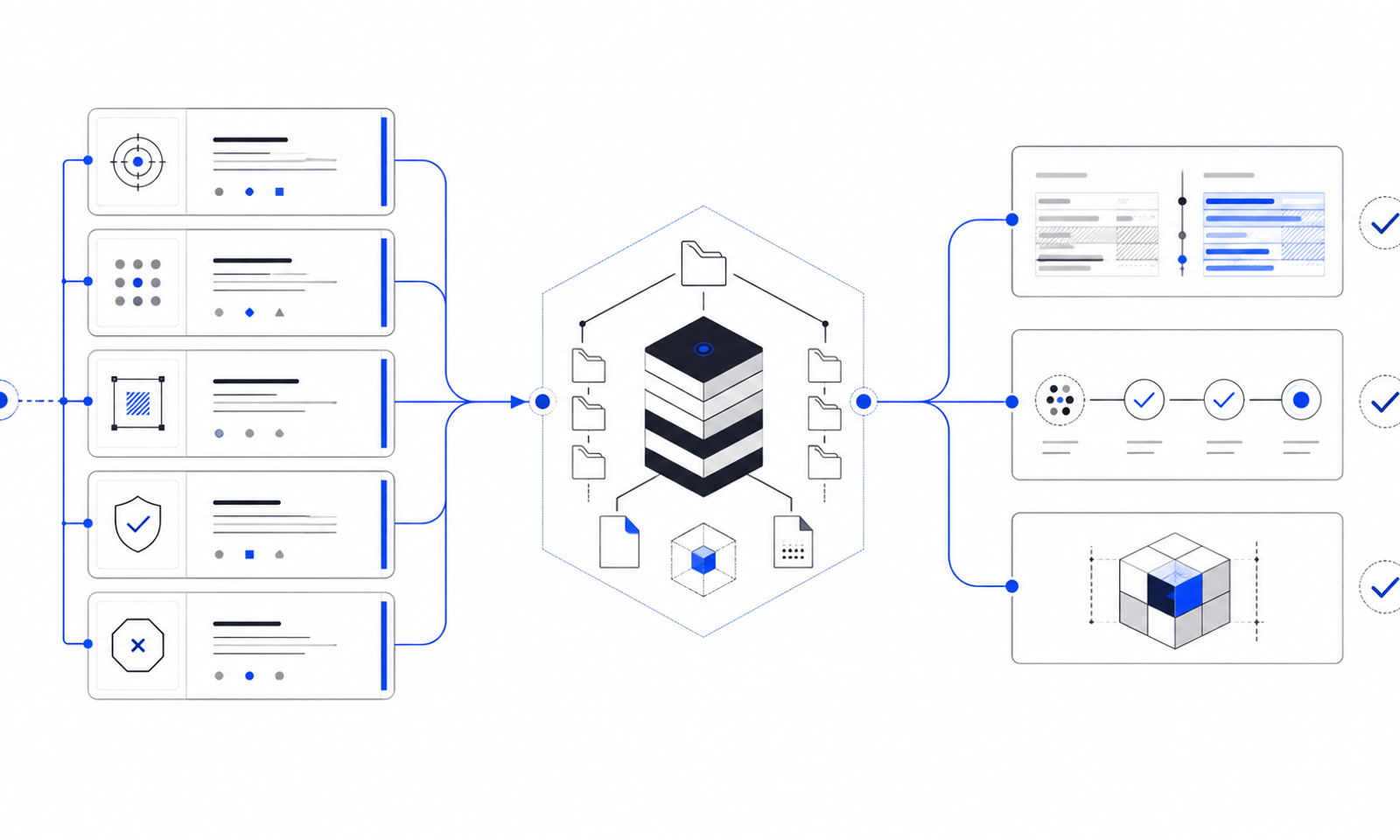
How I Prompt Codex to Work Safely Inside a Production Codebase
The prompt that produces a convincing demo is not always the prompt I want inside a real repository.
In a production codebase, the agent is not starting from an empty canvas. The project already has working routes, dependencies, design decisions, environment variables, deployment constraints and—very often—uncommitted work that belongs to somebody else.
My goal is not to make Codex produce the most code. It is to help it make the smallest correct change, preserve what already works and show evidence that the result is ready to review.
The structure I use is simple:
- Goal — what outcome should change?
- Context — where should the agent look, and what is already true?
- Constraints — what must it preserve or avoid?
- Done when — what observable evidence proves completion?
- Stop conditions — when should it ask instead of guessing?
The first four match OpenAI’s current Codex prompting guidance. I add the fifth because production tasks often cross decisions about credentials, deployment, destructive operations or architecture.
1. Start with an outcome, not a technology shopping list
A weak goal is “add Sanity and a blog.” It names tools but leaves the intended experience unclear.
A stronger goal is:
Add a public/writingindex and/writing/[slug]article route backed by published Sanity content, matching the existing site design and supporting structured articles with images.
That sentence identifies the visible result, the content source and the design boundary. The agent can now inspect the repository to determine how the result belongs in the existing system.
I try not to prescribe every file before inspection. If I tell the agent to create an API route when Server Components already solve the problem, I have constrained it around my assumption rather than the project.
2. Give context that changes the implementation
Useful context is not a complete autobiography of the repository. It is the information that changes the decision.
For my site, relevant context included:
- the public app uses the Next.js App Router and TypeScript;
- the actual installed version is Next.js 16.3.1;
- Sanity Studio is a separate sibling application;
- the Sanity project ID is
eo7oruo5and the dataset isproduction; - the dataset is public, so published reads should not expose a token;
- the existing design system and navigation must be reused;
- the domain currently runs on GitHub Pages, which requires a static export; and
- there was no existing article route to preserve.
Some of that can be stated in the prompt. Much of it should be verified by the agent.
That leads to one of my most useful instructions:
Inspect the repository and summarize the relevant architecture before making changes. Treat the code and installed versions as the source of truth. If my description conflicts with the repository, report the conflict before choosing an implementation.
This prevents an old README, an earlier conversation or my memory from quietly becoming a technical requirement.
3. Make constraints explicit
Without constraints, an agent optimizes for completing the visible task. In an existing project, that can create unnecessary change.
My common constraints are:
- preserve the current visual system and component conventions;
- reuse existing utilities before introducing new ones;
- keep edits focused on the requested feature;
- do not overwrite unrelated uncommitted changes;
- do not add a production dependency without a clear need;
- do not expose secrets to client-side code;
- do not weaken type safety to make an error disappear;
- do not deploy, push, change DNS or mutate production data unless explicitly asked; and
- do not use destructive Git or filesystem commands.
These are not signs that I distrust the agent. They are the working agreements a human teammate would also need.
The best constraint explains the reason or safe path. “Never change configuration” is too rigid if the feature genuinely requires an image host. “Preserve existing image sources when adding the Sanity CDN” protects the important behavior while allowing the necessary edit.
4. Define “done” as evidence
“Let me know when it works” invites a subjective finish.
I prefer a checklist that the agent can verify:
/writingrenders published posts and a designed empty state;/writing/[slug]renders the complete article and a not-found state;- drafts and no-index posts do not enter the sitemap;
- metadata, canonical URLs and social images come from Sanity fields;
BlogPostingandBreadcrumbListstructured data match visible content;- Portable Text blocks render safely;
- the website passes lint and TypeScript checks;
- the production static export succeeds;
- Sanity Studio passes its own type check and production build; and
- remaining warnings and manual deployment steps are reported plainly.
Now the agent has a finish line that can survive beyond the happy path.
OpenAI’s Codex best-practices guide recommends this same verification mindset: ask for tests when needed, run the relevant suites, check lint and types, confirm the requested behavior, and review the diff for regressions or risky patterns.
5. Add stop conditions for consequential decisions
Some unknowns are safe for the agent to resolve by inspecting code. Others require authority it does not have.
I ask Codex to stop when:
- it needs a credential that is not already configured for the task;
- it would have to delete or overwrite material data;
- two plausible architectures create meaningfully different product behavior;
- a permission or authentication step requires me;
- the requested hosting platform cannot support the current architecture; or
- deployment, billing, DNS or an external message would be triggered.
This keeps questions useful. I do not want to approve every file read. I do want to choose whether the website changes hosts or the CMS changes publication behavior.
A complete production prompt template
Here is the template I now adapt for substantial changes:
You are working inside an existing production repository. Goal - [Describe the user-visible or operational outcome.] Context - [Name the relevant app, route, component or service.] - [State known versions, integrations and deployment platform.] - [Point to requirements, examples or errors that matter.] - First inspect the repository and summarize the relevant architecture. - Treat the current code and installed versions as the source of truth. Constraints - Preserve existing behavior and visual conventions outside this task. - Reuse established patterns and utilities where practical. - Keep changes focused; do not perform unrelated refactors. - Preserve unrelated uncommitted work. - Do not expose secrets or weaken type safety. - Do not deploy, push, change DNS or mutate production data. - Avoid destructive commands. Done when - [List the required behavior and edge states.] - [List lint, type-check, test and build commands.] - Review the final diff for regressions and unnecessary changes. - Report changed files, verification results, warnings and manual steps. Stop and ask me if - A missing choice materially changes the architecture or user experience. - Authentication, new credentials or broader permissions are required. - Data must be deleted, overwritten or migrated irreversibly. - The requested deployment target cannot support the proposed design.
The template is not meant to make every prompt long. A one-file copy change does not need a deployment policy. The amount of structure should match the risk and ambiguity of the task.
A real example: the writing and Sanity integration
For this project, a condensed prompt could look like this:
Goal - Add a production-ready Writing section backed by Sanity, with /writing and /writing/[slug], structured content, article images and SEO. Context - The public app is the existing Next.js project. - Sanity Studio must remain a standalone sibling app. - Project eo7oruo5, dataset production. - The public domain is deployed through GitHub Pages. - Inspect both apps before changing files and verify the installed versions. Constraints - Match the existing design and reuse current navigation/components. - Query only published public content without a browser-exposed token. - Support static export; a new publication may trigger a rebuild. - Do not deploy, push, change DNS or publish content. - Preserve unrelated work. Done when - Both writing routes and all empty/error/not-found states work. - Metadata, canonical URLs, JSON-LD and sitemap entries are correct. - Website lint, type check and static production build pass. - Studio lint, type check, TypeGen and production build pass. - Setup and deployment steps are documented. Stop and ask me if - GitHub Pages makes a required feature impossible without changing hosts. - Authentication or a destructive content migration is required.
Notice what this prompt does not say: it does not tell Codex exactly which component names to invent. It establishes the outcome and guardrails, then allows repository inspection to inform the implementation.
Put repeated instructions in AGENTS.md
If I repeat the same rules in every prompt, they belong closer to the repository.
Codex automatically reads AGENTS.md instructions before working. OpenAI recommends using the file for repository layout, run commands, engineering conventions, constraints and verification expectations. Instructions can be layered: a root file can define project-wide behavior, while a more specific file can define rules for one subdirectory.
A useful repository-level file for a Next.js project might contain:
# Repository expectations - Use the existing App Router and TypeScript conventions. - Preserve the current design tokens and shared components. - Run `npm run lint`, `npm run typecheck` and `npm run build` after code changes. - Do not replace existing image hosts when adding another source. - Never commit environment files or expose server credentials to the browser. - Report warnings and unverified states in the final handoff.
I would keep it short and factual. A huge file of vague principles is harder to follow than ten rules that reflect real mistakes the team wants to prevent.
Common prompting mistakes I am trying to avoid
Asking for implementation before discovery
“Create these twelve files” assumes I already know the correct boundaries. I would rather state the behavior and have the agent map it onto the codebase.
Combining change, deployment and production mutation
“Build it and take it live” can hide several different approvals. I separate implementation, review, deployment and content publication so each step has a clear owner.
Treating warnings as failure—or hiding them as success
Some warnings are acceptable and documented. Others are blockers. I ask the agent to explain the impact instead of using a forced fix that may introduce breaking changes.
Using “production-ready” without defining it
The phrase is only useful when paired with requirements: supported states, security boundaries, verification commands, deployment compatibility and a handoff.
Reviewing only the final screenshot
A polished page can still contain duplicated code, exposed configuration, broken metadata or an invalid build. I review the diff and the evidence, not only the appearance.
The prompt is part of the system
A strong prompt cannot replace technical judgment. It can make that judgment visible.
When the goal, context, constraints and finish line are explicit, Codex can make fewer assumptions and I can review the work against something concrete. When repeated rules move into AGENTS.md, the workflow becomes more consistent across tasks.
The result I want is not an agent that never asks a question. It is an agent that investigates ordinary unknowns, pauses on consequential ones, and finishes with proof.
That is how prompting becomes more than phrasing. It becomes part of the production system.
Want to apply an AI-assisted workflow to a real digital project? At Kraftt Digital, I combine faster tools with deliberate architecture, review and deployment. Explore Kraftt Digital (https://krafttdigital.com/).
Sources and further reading
- OpenAI: Codex best practices (https://learn.chatgpt.com/guides/best-practices)
- OpenAI: Custom instructions with AGENTS.md (https://learn.chatgpt.com/docs/agent-configuration/agents-md)